
Free Run
Start immediately with local tracking and essential audio cues. No account, API key, or network required.
Choose a clear session, hear the important moments while you run, and turn your history and your own feedback into useful progress — without building a complicated training plan.
Today keeps the next action obvious. Start freely, reuse a workout, or follow a personalized recommendation when Apple Intelligence or your personal AI provider is available.
Start immediately with local tracking and essential audio cues. No account, API key, or network required.
Build and reuse timed or distance-based sessions without turning every run into a planning exercise.
Use recent training, preferences, and available health context to prepare a more relevant next session.
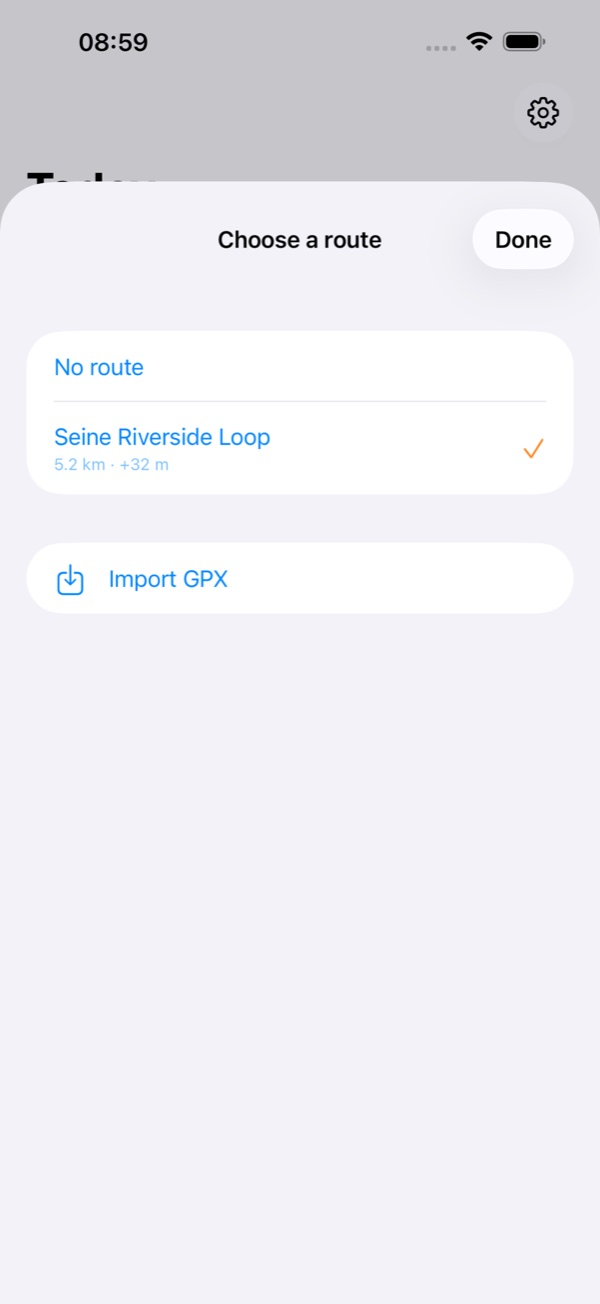
Reuse a saved GPX route, import a new one, or run without a route. The choice is visible before the start and remains independent from the workout plan.
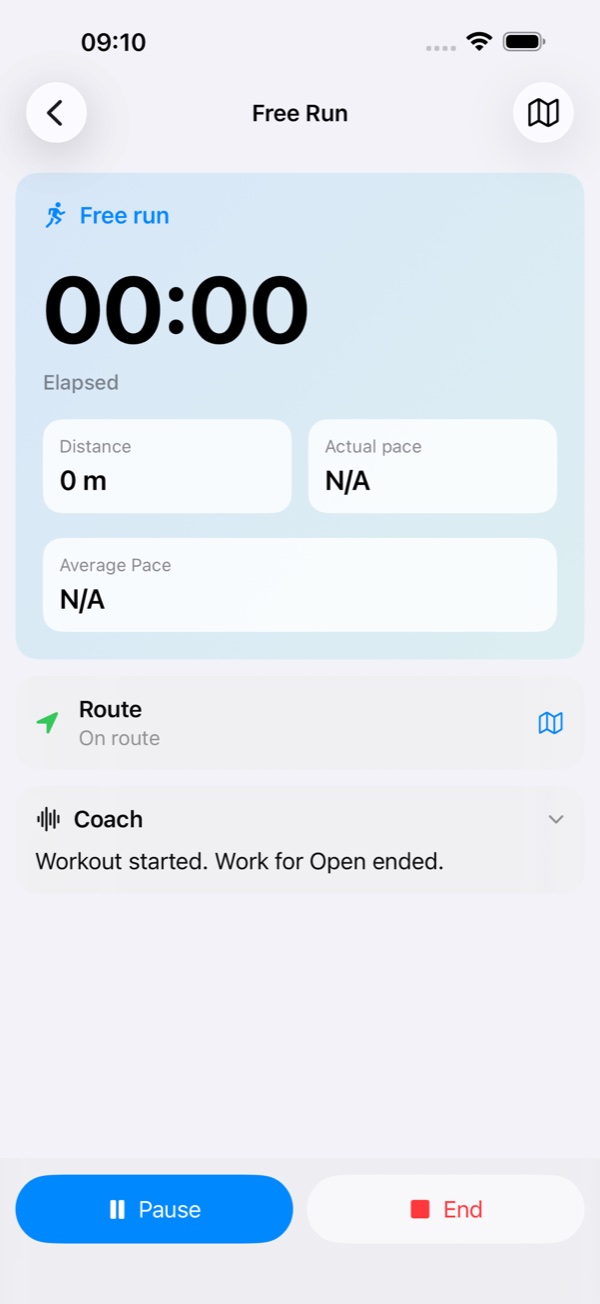
Run Buddy AI announces the start, workout steps, countdowns, recoveries, and key effort changes. The workout engine and essential cues remain local and reliable, including when your phone is locked or another app is in front.
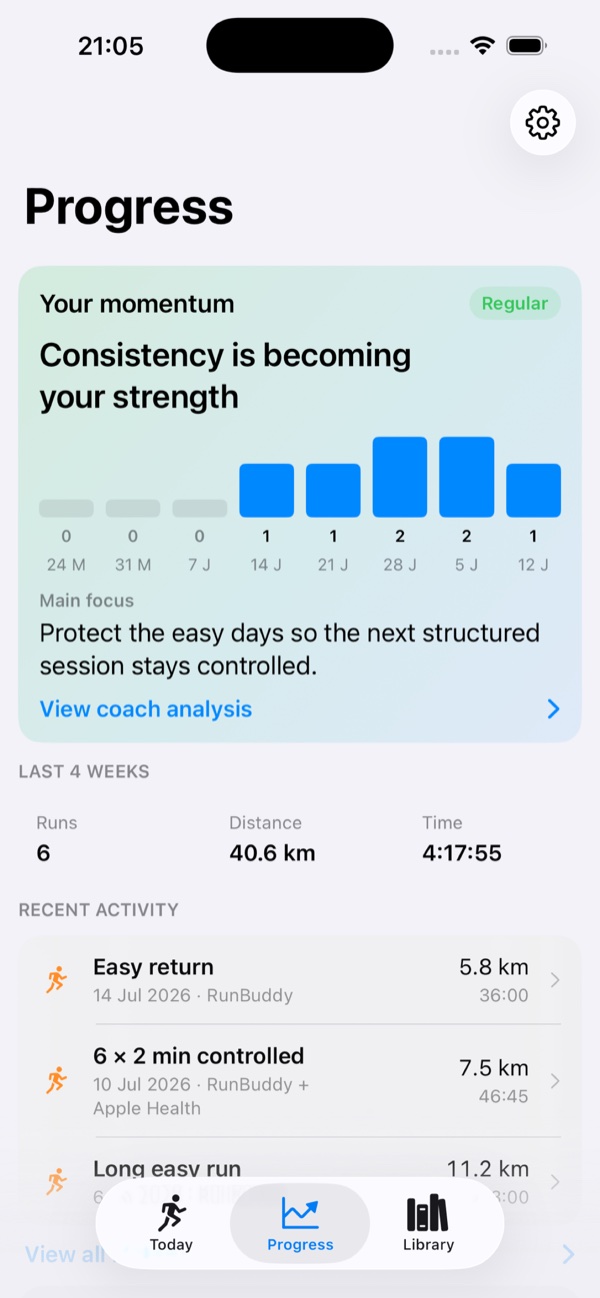
Progress brings together RunBuddy sessions and optional Apple Health workouts. Similar recordings are reconciled, while available heart-rate detail can enrich the session view and coach analysis.
Keep RunBuddy’s workout structure and spoken timeline while adding compatible heart-rate and summary data from Apple Health — without displaying the same run twice.
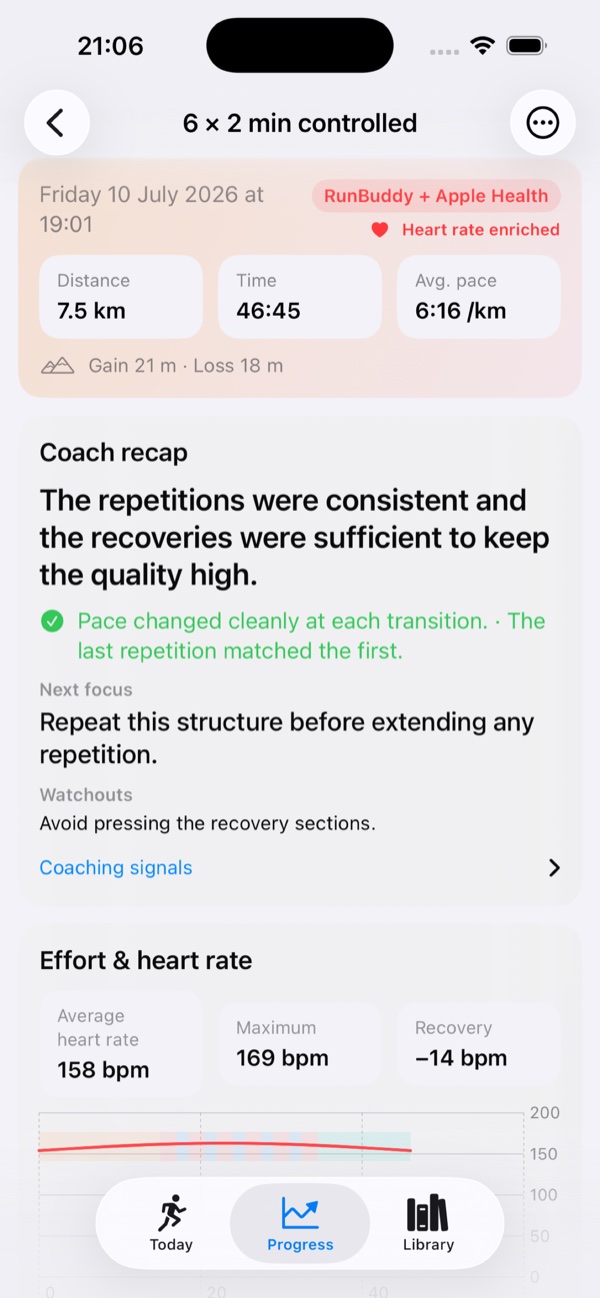
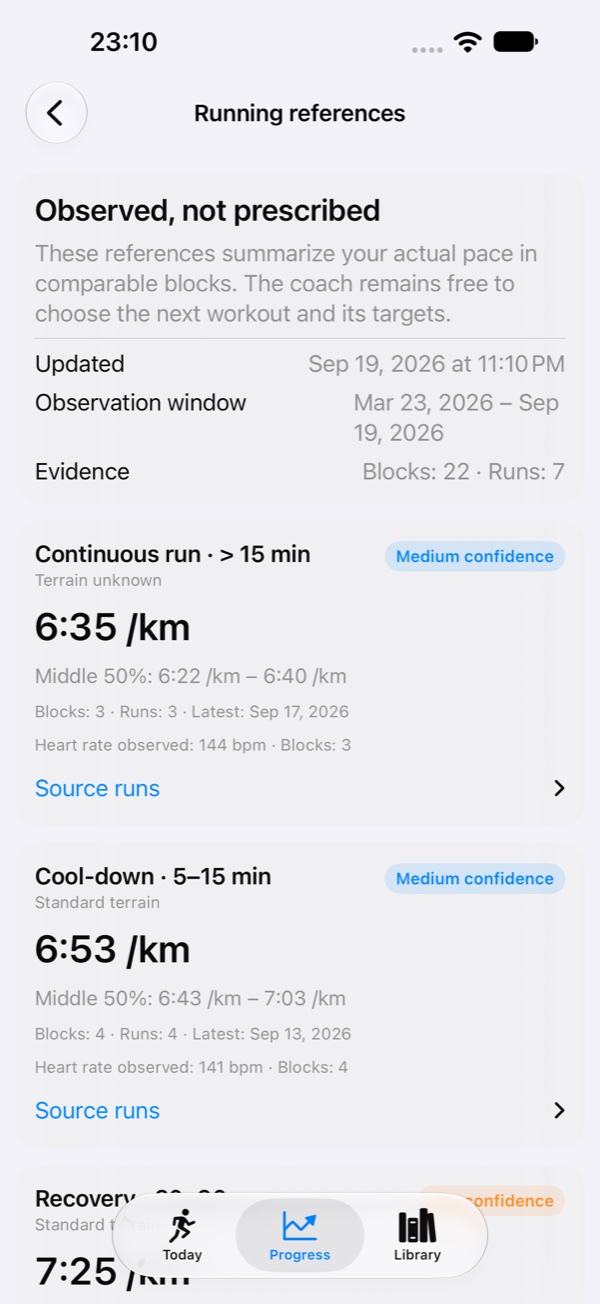
Run Buddy summarizes the paces you actually sustain by effort type, duration, and terrain. These references give the coach useful context without turning them into rigid prescribed zones.
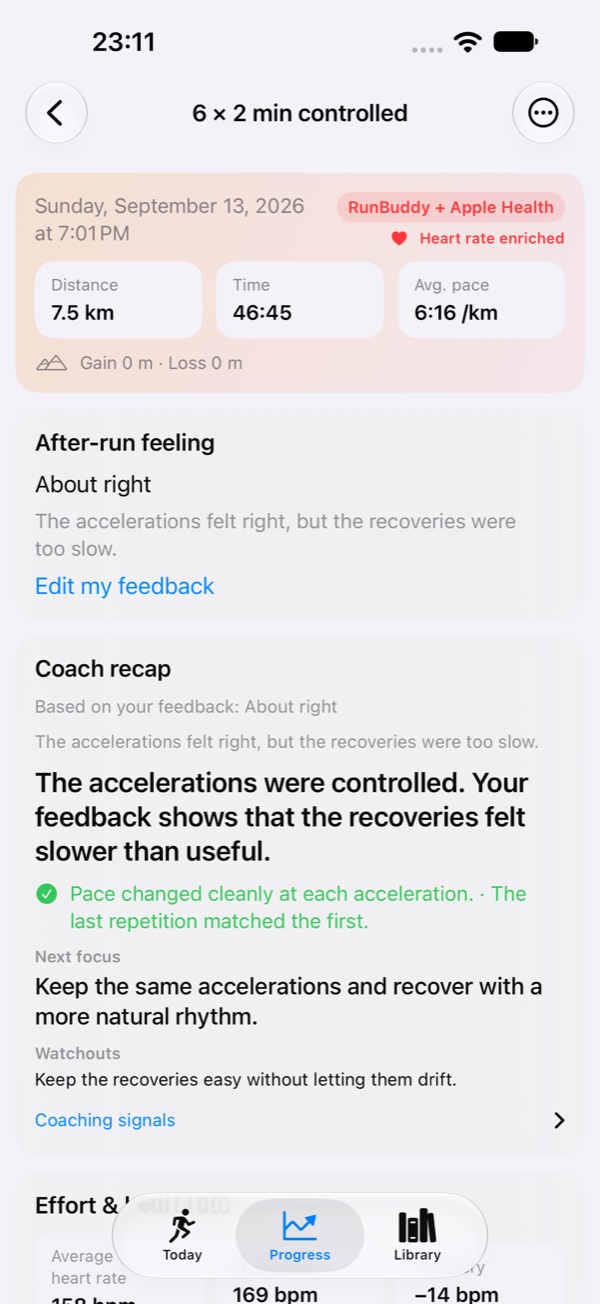
Keep the quick too hard, just right, or too easy choice, then add an optional note in your own words. The coach uses both when producing the run recap and updating its memory. You can edit the feedback later from the run detail and request an updated recap.
Running never requires a Run Buddy account, subscription, or API key.
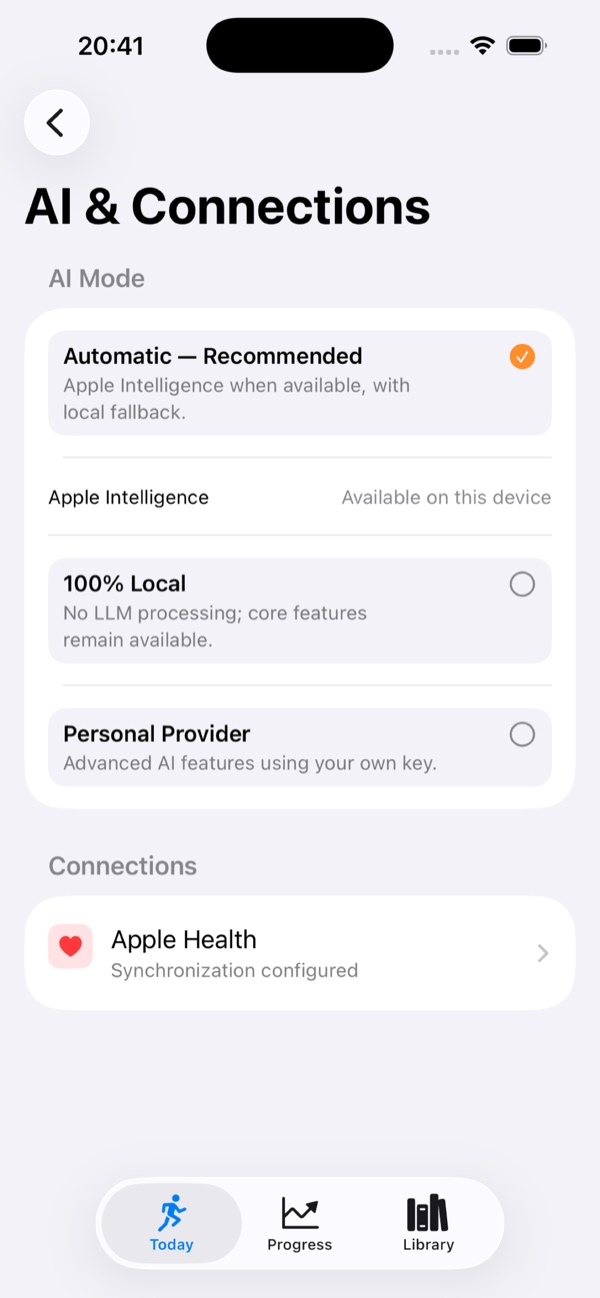
Uses Apple Intelligence on device when compatible. Essential workout guidance stays local.
No language-model processing. Tracking, structured workouts, history, and essential cues remain available.
Optional advanced AI using your own key. The key stays in Keychain and is sent only to the provider you select.
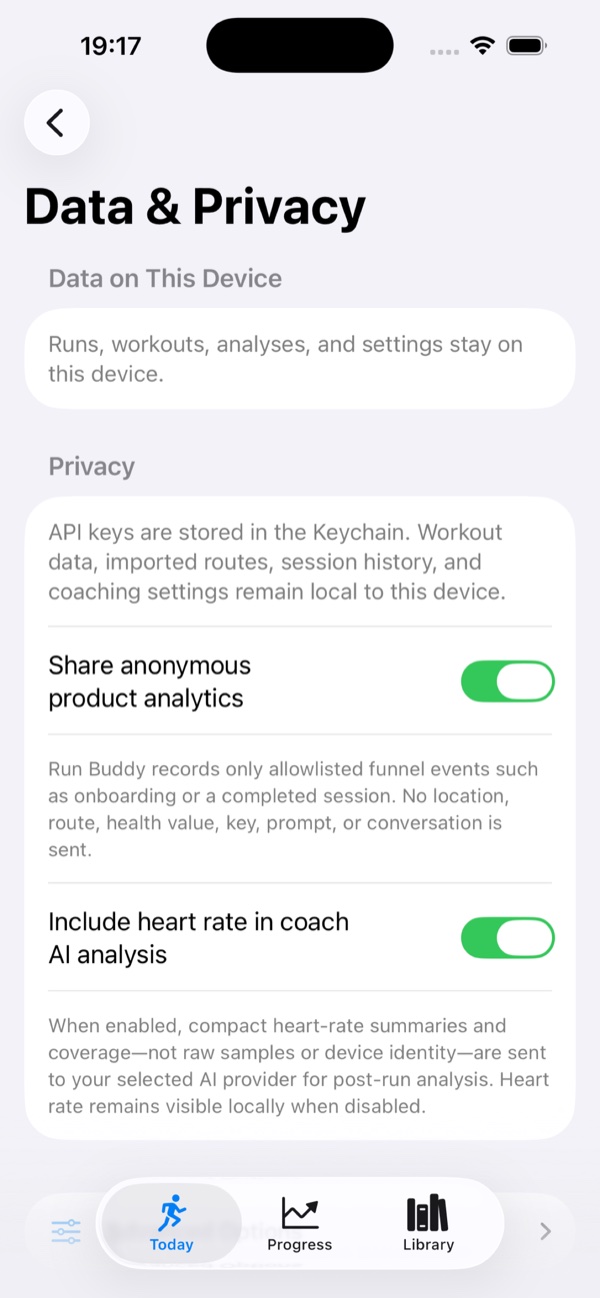
Anonymous product analytics can be disabled at any time in Settings.
Read the privacy policyObserved running references and optional written feedback help the coach understand the run behind the numbers.